Work · Live app
Kurikaeshi
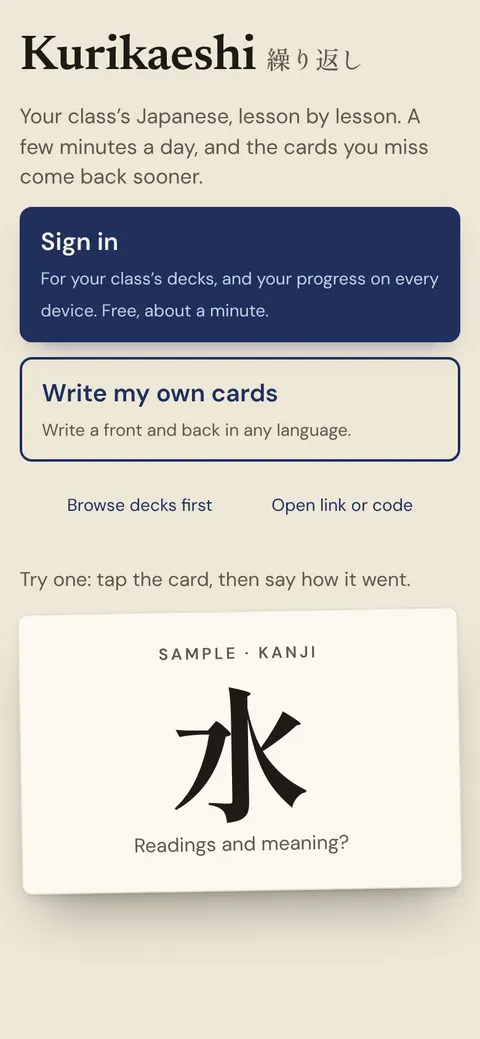
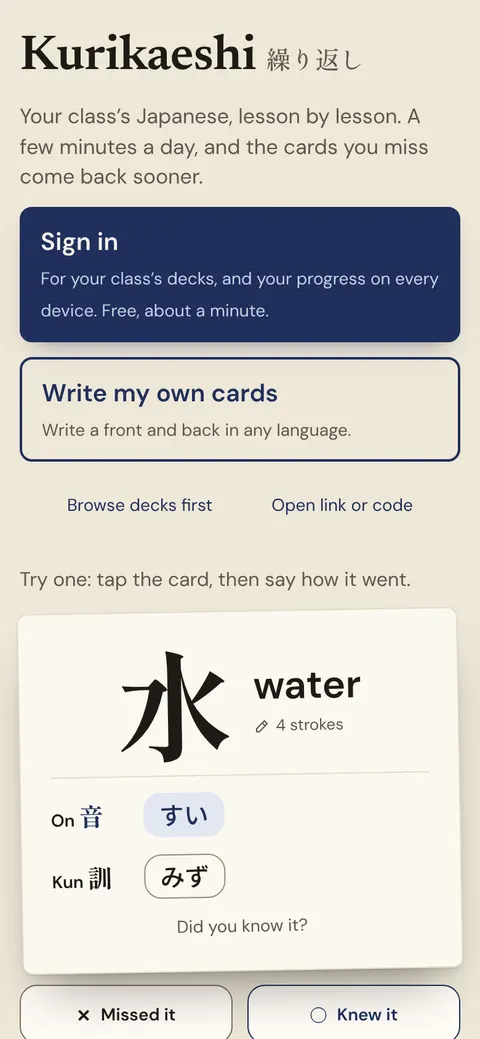
Spaced-repetition app for ODU Japanese courses, with free accounts, course decks and a page for instructors.

Problem
Japanese students needed a way to study their course vocabulary lesson by lesson, and a teacher asked for a way to see that the studying happened. Flashcard apps like Anki are built for one person. They know nothing about a class, so a teacher can’t tell which words the class keeps missing without asking.
Constraints
- Free to use and free to run. Sign-in and the database run on free tiers.
- Works offline, on any device. One web app for iPhone, Android and a laptop, installable to the Home Screen.
- Progress stays on the device unless the student signs in. Joining a class shares only the reviews of that class’s decks, and leaving takes one tap.
- Not a grade, and no streaks. Students choose to use it and nothing in it is a grade. It is an independent app, not run by the university.
- Course material stays behind a sign-in. No course deck ships in the public site files.
Solution
- Today: a few cards a day, sized to the minutes you set. Cards you miss come back sooner, cards you know come back later.
- Course links: open your course’s link, sign in and pick the lesson your class is on. Six decks cover JAPN 111F, 212, 301 and 309 plus Irodori 1, more than 9,000 cards.
- My cards: write your own cards with no account, import them from a spreadsheet, and share a deck by link.
- Flip through and Check yourself: shuffle a lesson like paper flashcards, or take a multiple-choice check, without changing your schedule.
- Classes: a teacher hands out a six-character code, and students see exactly what they would share before agreeing. The class view shows the most-missed cards, how far students are through each lesson and who hasn’t studied in seven days.
Responsibilities
Product owner and sole decision-maker. Set the brief, chose between design options, tested every build on a real phone and approved every release. The code is written with AI coding agents under a test-first process, and each release goes through an independent review.
Technology
One self-contained page of plain HTML, CSS and JavaScript on GitHub Pages, cached for offline use. The scheduler is FSRS-6, written from its published specification and tested against its authors’ values. Every answer goes into a log on the device, and each card’s state is worked out from that log. Sign-in uses Auth0, and synced data lives in a Neon Postgres database whose own access rules decide who sees what, with no server code. On the latest build, the engine’s 472 checks, the sync suite’s 259 and a 1,897-check walk-through all passed.
What a release caught
One sentence took four judged rounds. “Saved to your account” could appear before the upload had succeeded. Rounds 82, 83 and 84 failed: each fix proved one path to the server, and the next round found another. Round 85 passed, once the line appeared only after the upload succeeded.
The lesson I kept: if the screen claims something about the server, check every path to it.
Status
Live at version 0.11.15, updated 2026-10-17. Next planned: a check that grades a kanji as you draw it.